 1-800-266-7625(Sales)
 Log In / Sign Up
 I Need Email Advice
 Titan Business Email
 Google WorkSpace
Google Workspace now includes Google AI
Boost productivity and teamwork with Google Workspace!
-
 Email address to match your domain name
 -
Communication and collaboration made easy
-
Google AI for increased productivity
-
Robust security & privacy tools
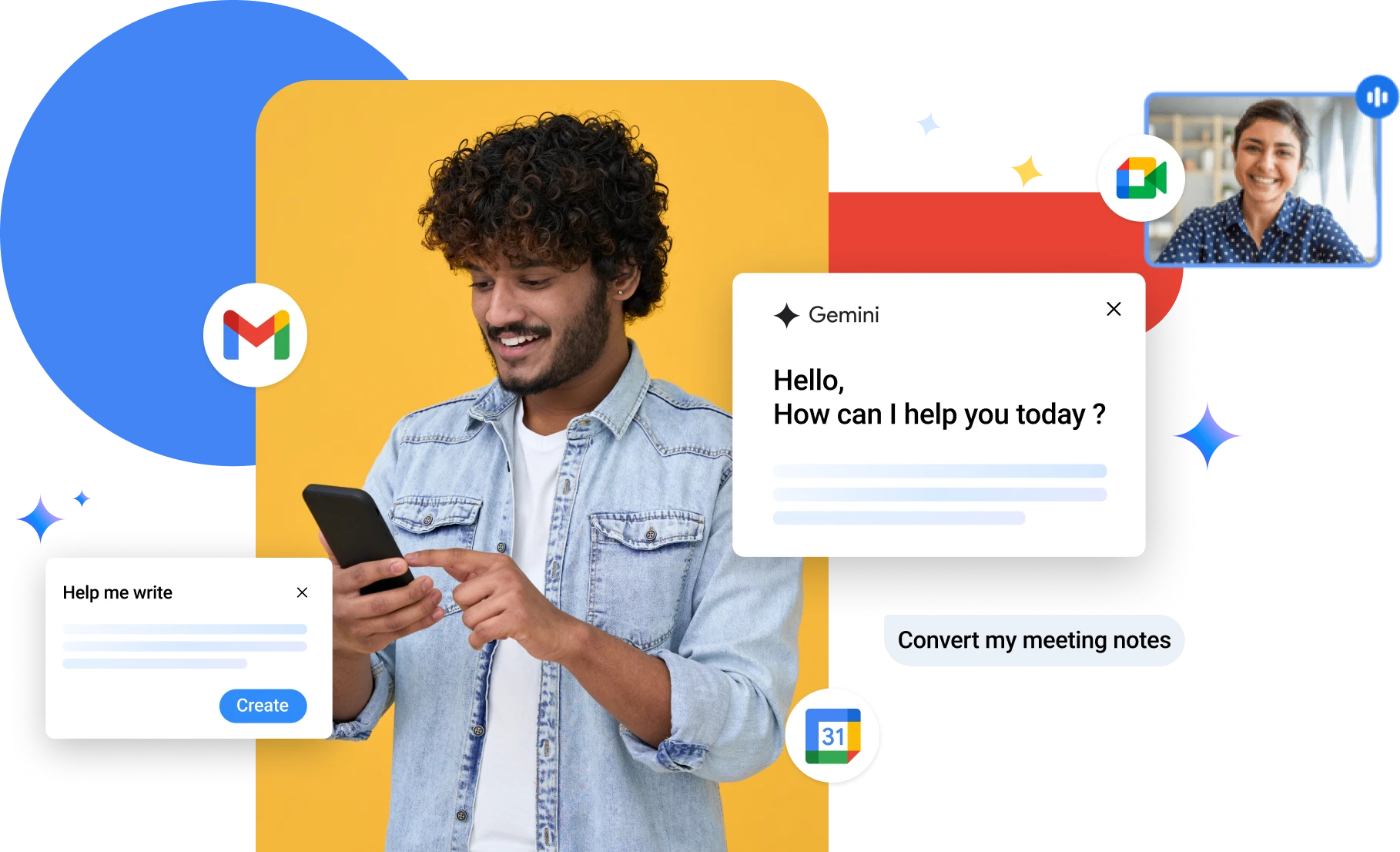
Boost productivity with Gemini AI in Google Workspace.
Now, enjoy AI assistance with Gemini app, NotebookLM, and Gemini in Gmail, Docs, Meet, and more!


What can you do with Google Workspace?
Do your best work faster with AI built into Google's popular apps like Gmail, Docs, Sheets, Meet, Chat
Get the power of Gmail
Never miss a meeting
Communicate on the go
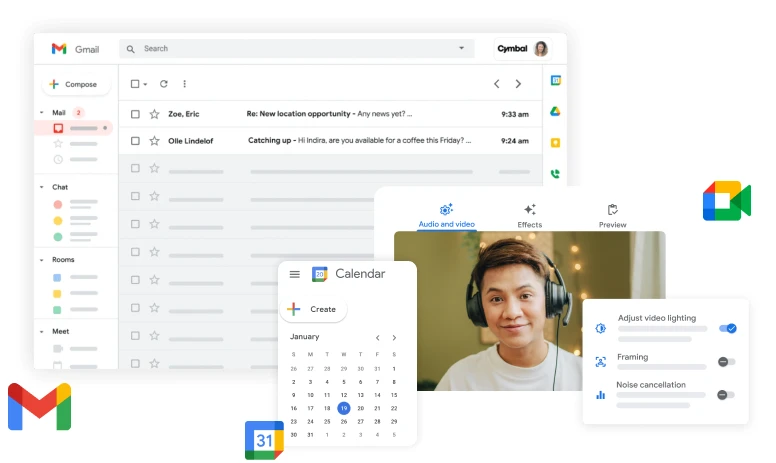
What you get with Google Workspace

Enjoy Unlimited Storage

Experience Real-Time Collaboration

Work from Anywhere

Leverage 24/7 Support
Benefit from World-Class Security
Our Customers Love Us

After bringing my business online, sales increased by 40%! By investing just a small amount into my new website, I have won 7 new contracts from huge companies I could never have even thought of earlier. All thanks to my professional website.

Ajay Chauhan
BigRock CustomerMy previous website designer was charging an unfair amount and doing a shoddy job. I am glad I shifted to BigRock; the post-sales support, pricing, and user-interface are top quality!

Rishabh Pugalia
BigRock CustomerBigRock is an amazing web building experience. It's user-friendly DIY Sitebuilder helped me build my website quickly and without any assistance at all.

Khalid Bashir Khan
BigRock CustomerI purchased couple of domain names and a DIY package from BigRock and it was the best decision I could have ever made. With BigRock's help I was able to customize my business website, having absolutely zero knowledge of programming or designing. Thank you Bigrock!

Mohsin Khan
BigRock Customer


Frequently Asked Questions - Google Workspace
Yes, you can use an existing domain with your Google Workspace order.
When switching to Google Workspace from another program or web service, you and your users can bring your existing mail, contacts, and calendar data with you. You have a variety of options for migrating data into Google Workspace, depending on the size of your organization and the system you’re migrating from. Tools are available for migration from Microsoft Exchange, Lotus Notes, IMAP servers and other Google accounts.
Each email account comes with 30 GB of space.
In addition to accessing Google Workspace mail from the Gmail web interface, you can send and receive mail from your favourite desktop client. Depending on the client, you can use either the IMAP or POP mail protocol. If you’re switching to Google Workspace from Microsoft Exchange or some other Outlook service, you can use Google Workspace Sync. This is a plug-in for Outlook 2003, 2007, 2010 or 2013 that lets you use Outlook to manage your Google Workspace mail, calendar, and contacts—along with your Outlook notes, tasks, and journal entries.
You can send and receive emails using any desktop-based email client such as Microsoft Outlook, Outlook Express, Mozilla Thunderbird, Eudora, Entourage 2004, Windows Mail, etc. We also have a guide on how you can configure different email clients to send/receive emails. The enterprise email product supports the POP, IMAP, and MAPI protocols.
Your email can be accessed using any Smartphone or Tablet. The Gmail interface is compatible with all major Operating systems such as iOS, Android, Windows Mobile, Symbian and Blackberry.
You can add up to 8 GB RAM and 8 cores with any of our Cloud Hosting Plans in India.
If your organization acquires a new domain name or does business with multiple domains, you can add all your domains to your account at no extra cost. Users can then have identities at one or more of your domains while sharing services as part of a single organization. And you manage your domains from the same Admin console. You add a domain as either a separate domain or domain alias, depending on how you plan to use it.
Yes. Google Workspace is designed as an all-in-one solution with integrated tools that work seamlessly together. For instance, you can receive a message in Gmail and instantly convert it into a Calendar event. When you make a comment in Docs, Sheets or Slides, collaborators automatically receive email alerts. With a single click, you can launch a Hangouts video meeting from your inbox or calendar. Using these tools as a complete package improves productivity while giving your business the most value. However, you are welcome to purchase Google Workspace and only use the services of your choice.
Yes, you can create mailing lists and add/delete users, select a moderator, restrict people from joining a list or even ban users from a list.
When you sign up for a Google Workspace account, you agree not to use the account to send spam, distribute viruses, or otherwise abuse the service. All users on your domain are subject to these agreements, which are part of the Google Workspace Acceptable Use Policy. If Google identifies a Google Workspace user who is violating these agreements, we reserve the right to immediately suspend the user. If the problem is domain-wide, we reserve the right to suspend the entire account and deny administrator access to all the Google Workspace services. In such cases, we send a notification to the registered secondary email address for the domain administrator.
Yes, you can. Use Gmail’s vacation responder to let people know that you won’t be able to get back to them right away. While your vacation responder is turned on, Gmail will send your reply to people who email you.
Yes. During the transfer, we move all your email accounts from the old provider to us by keeping the data intact. However, your existing tenure with the other provider if any does not get moved to us. You can click here to initiate the transfer process.
While Google offers Google Workspace at a similar cost, purchasing it from Bigrock provides the added convenience of managing all your online assets, including domains and hosting, within a single user-friendly panel. Additionally, Bigrock’s experienced customer support team is available 24/7 to answer your questions and help you troubleshoot any issues.
Google offers a free version of its popular apps like Gmail, Drive, and Docs, but a paid Google Workspace plan unlocks a host of benefits for your business. These include:
- Custom email addresses
- Twice the storage space
- Advanced security features
- Full administration control
- Real-time co-editing
- Advanced sharing controls
- 24/7 phone and email support
We help you boost your business

99.99%
Uptime

Unbelievably
Affordable

Dedicated
Support

30-Day Money-Back
Guarantee*
*30 day money back guarantee is only applicable on shared and cloud hosting